
Step 1.) Activate Move Tool:
Click on the Move Tool button represented by the diamond icon in your Map Tools Bar.

Step 2.) Select a Point:
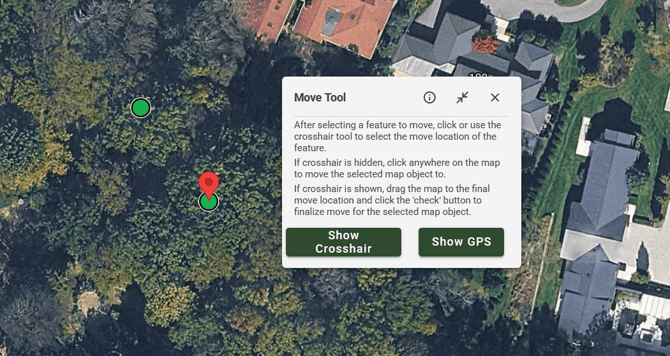
Click the Data Point you wish to Move. A red marker will appear above your Data Point selection.
Step 3.) Optional- Use the Check Boxes to select Points:
Click on the destination where you would like to move the selected point to. A yellow ring will appear around your cursor to preview the relocation of the Data Point.
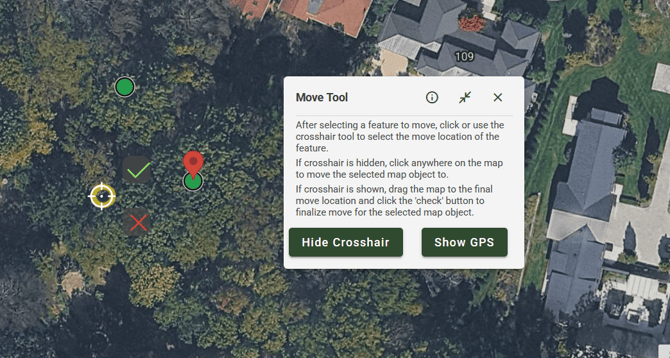
ArborPro Tip: For better point accuracy, you can enable Show Crosshair from the Move Tool dialogue box, or if you are on a desktop, simply click on your desired location.