
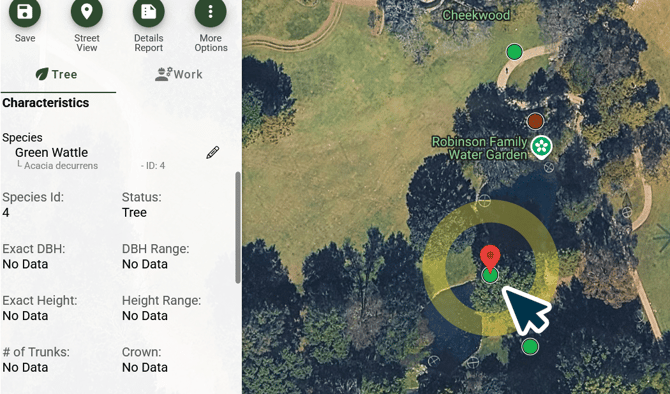
Step 1.) Select a Point:
Click on a Data Point to open its Details Pane.
ArborPro Tip: When interacting with data points, confirm you have the correct layer selected in your Map Tool bar.
Step 2.) Update Field Information:
Proceed to enter or replace information within the Details Pane’s Fields.
ArborPro Tip: To undo a change click "More Options, represented by the Three Dots Icon from the Details Pane and select “Revert Data”.
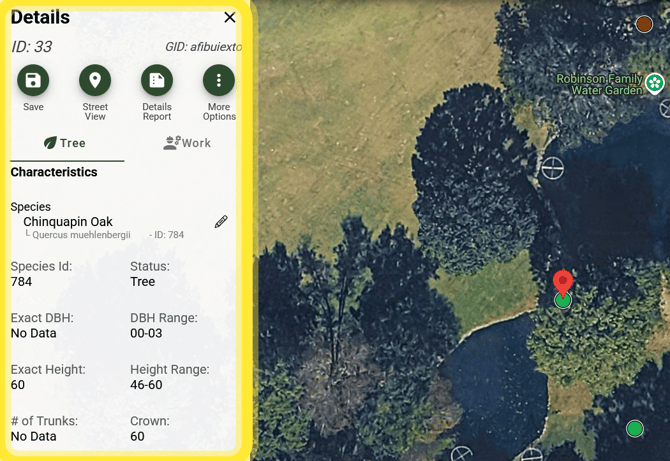
Step 3.) Save:
Click the save button located at the top of the details pane.
.png?width=670&height=462&name=image(22).png)