The Community Viewer Pane allows you to share a secure public-facing view of your selected data, making it accessible to residents, clients, or stakeholders without giving them full database access.
Using the Community Viewer Pane:
Step 1.) Create a Selection
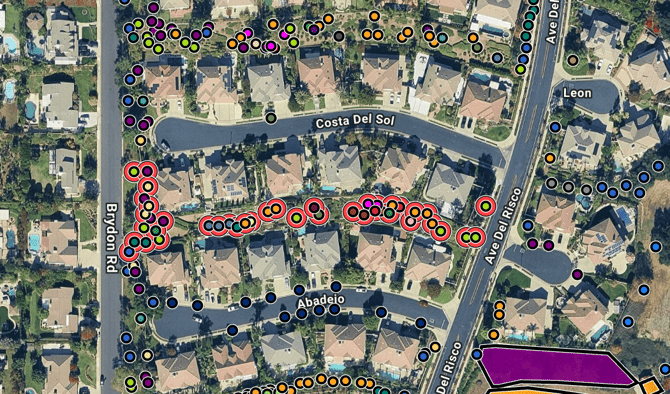
Create a selection to highlight the Trees or Objects you would like to share in your Community Viewer Link.
ArborPro Tip: You can perform a mass selection by using the Polygon selection tool, Click Selection tool or Search Tool. Your Tree Dashboard count will update to reflect the number of points selected vs. the number of total Active Points within the software.
Step 2.) Open the Community Viewer Pane
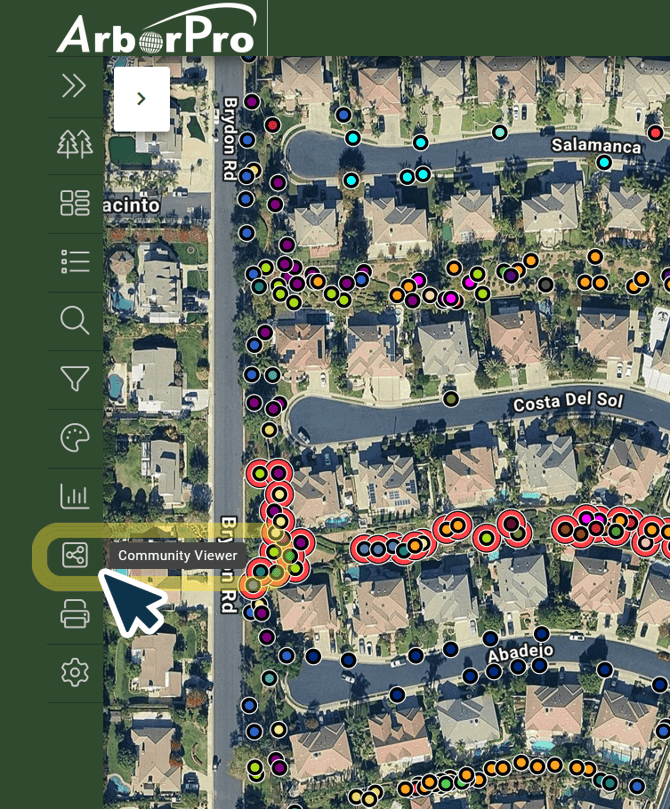
Click on the Community Viewer Pane represented by the three-nodes icon in your Data Analysis Toolbar.
Step 3.) Create and Set Up Your Link
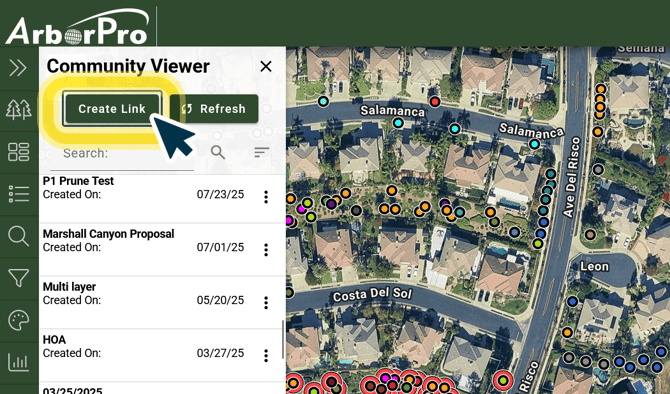
Click the "Create Link" button at the top of your Community Viewer Pane.
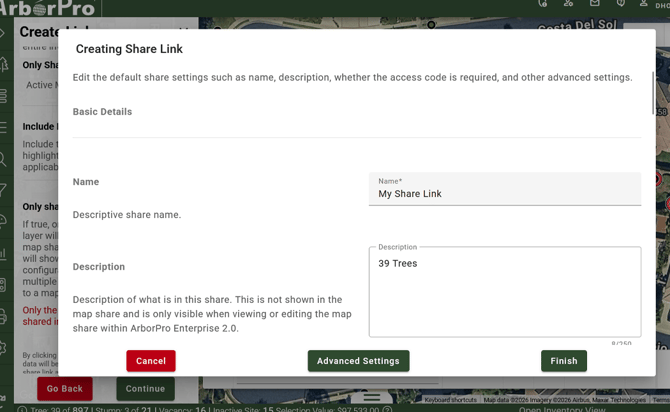
Continue to enter your Link's name and description.
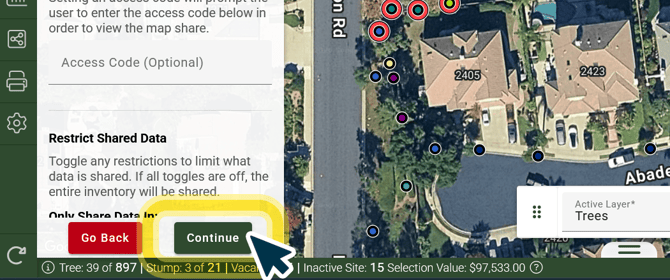
Step 4.) Click Continue and Finalize Details