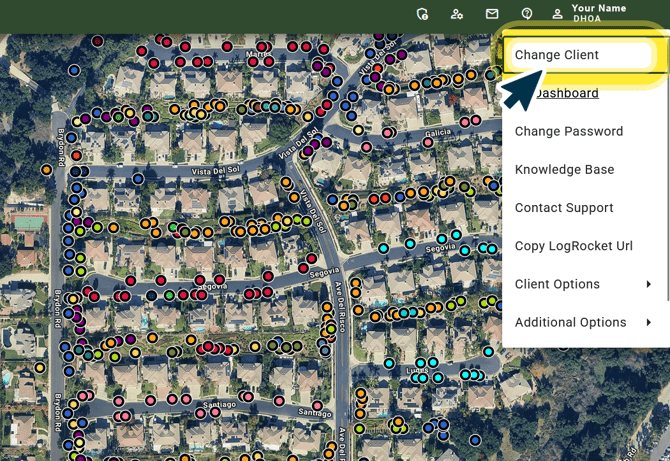
Step 1.) Access Account Settings.
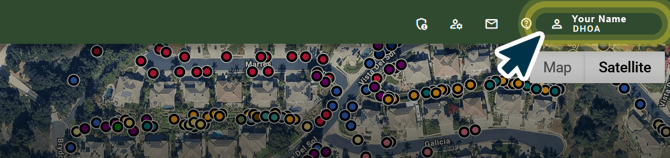
Click your profile icon within your Account Toolbar in the top right-corner of your screen to access more options.
Step 2.) Change Database
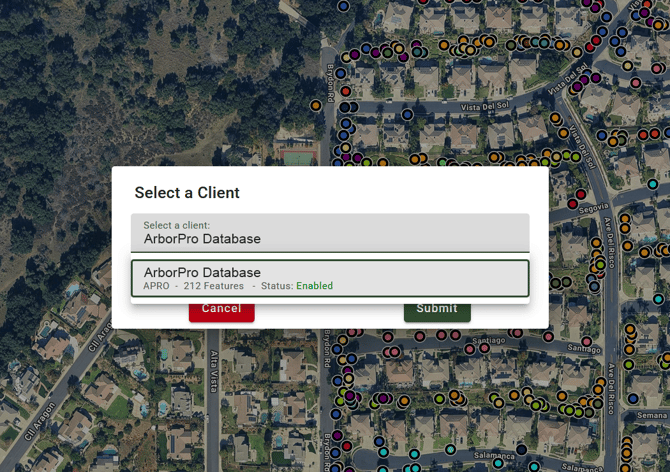
Click “Change Client” from the drop-down menu and proceed to select the client you want to access on the Map View.
ArborPro Tip: Not seeing a client option you wish to access? Reach out to your account admin to request access.